LIVE ONLINE PRODUCT LAUNCH
Design. Program. Make. Faster.
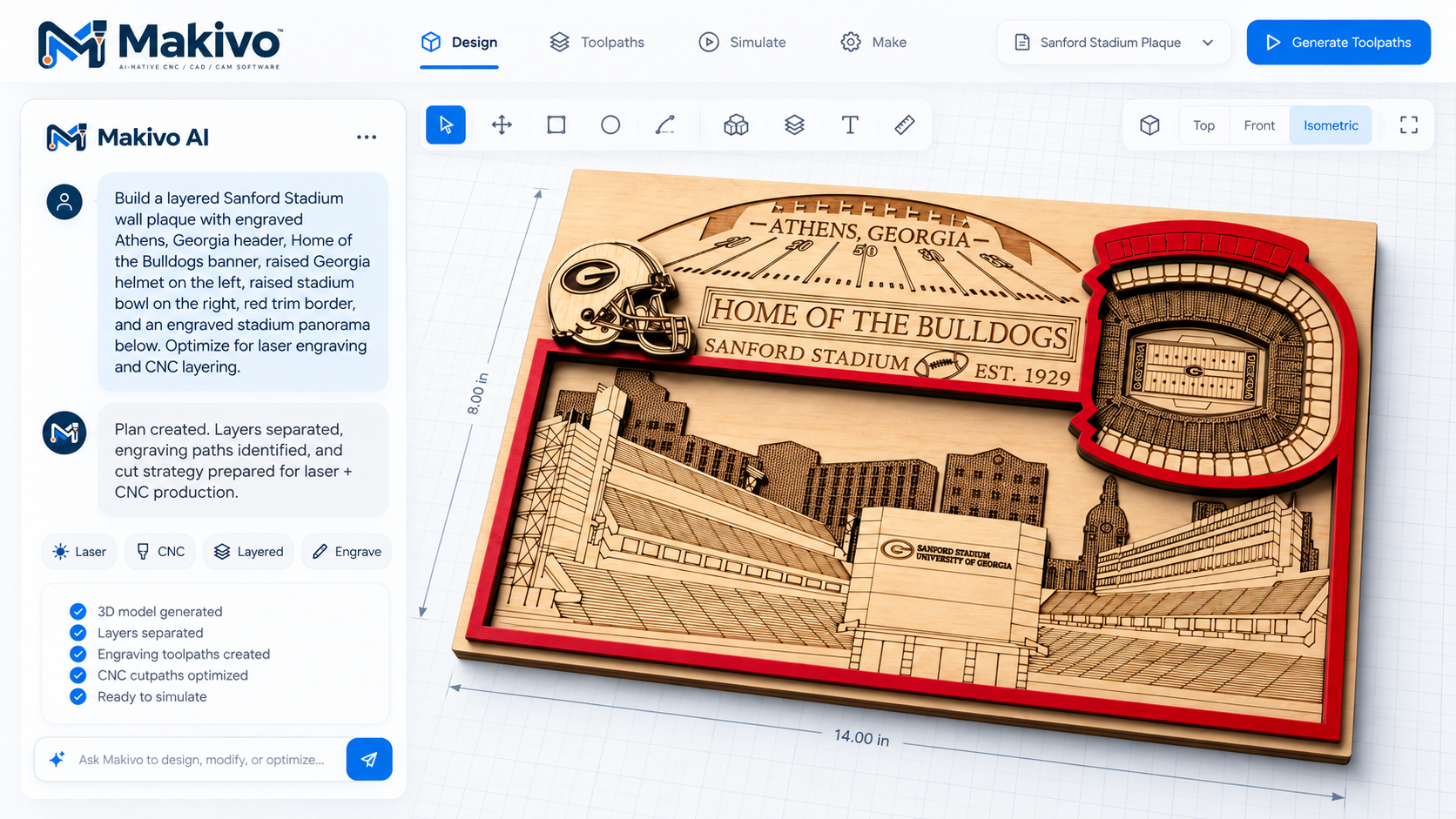
Meet Makivo, AI-native CNC / CAD / CAM software built for Mac and iPad. Discover a more connected way to design and prepare CNC and laser projects.
- Design with AI, then edit on the canvas
- Keep router and laser work in one project
- Prepare and preview toolpaths before you cut
- Built for Mac and iPad
- WEDNESDAY
- October 21, 2026
- STARTS AT
- 11:00 AM ET
- LIVE ON
- Google Meet · 60 min
FREE LIVE EVENT
See Makivo in action
Reserve your seat and tell us what's in your shop so we can make the live demo relevant.
BUILT FOR REAL SHOPS
Your best work should not require a pile of disconnected software.
Makers lose time moving artwork between design tools, CAM software, laser apps and a separate sender. Makivo is designed to bring the path from concept to toolpath into one workspace.
Stop rebuilding the same job
Moving artwork between separate design, CAM, laser and sender apps means exporting, re-importing and redoing work. Makivo is designed to keep vectors, operations and previews together in one project.
Stop designing away from the machine
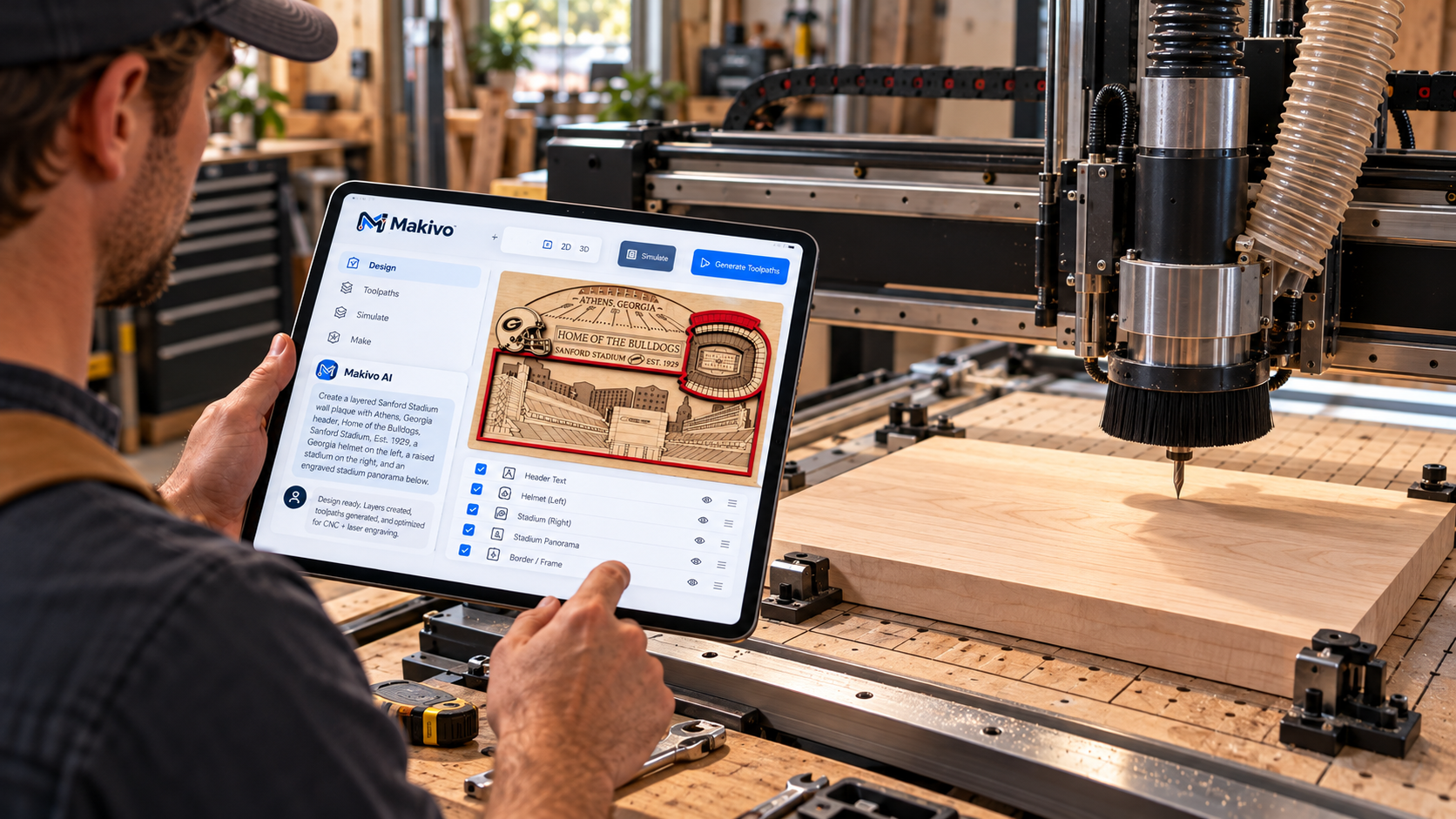
Open the same project on Mac at the desk and on iPad in the shop, so a change can happen where the work happens.
Stop staring at a blank canvas
Describe what you want and let the AI design assistant draft artwork and a project plan you can then edit on the canvas.
SEE IT ON MAC AND IPAD
The same workspace on the desk and on the shop floor.
Real captures supplied from current Makivo builds.
WHAT MAKES MAKIVO DIFFERENT
One workflow from the first spark to the final pass.
Design with AI on the canvas
Describe an idea, generate a starting design, then keep editing it yourself. Shown in the live demo.
CNC and laser in one project
Plan router and laser work together instead of splitting one job across disconnected applications.
Design, toolpath, preview
Prepare toolpaths and inspect them before material is touched. Machine control is shown live; per-machine support is listed only once verified.
Native on Mac and iPad
Built for macOS and iPadOS — the same workspace at the desk and on the shop floor.
Bring your existing work
Import support for common vector formats is part of the live walkthrough; full compatibility details follow verification.
AT THE LIVE LAUNCH
Watch a job go from idea to machine.
A working-product walkthrough followed by live questions: the workflow, the controls, and where Makivo fits in a router or laser shop.
- 01
Create
Start from an idea, a prompt, a drawing or a supported file.
- 02
Prepare
Edit the design and set up CNC or laser operations.
- 03
Preview
Inspect the project and toolpaths before anything is cut.
- 04
Run
See the machine-preparation workflow as it works today.
- 05
Ask
Bring your machine, workflow and compatibility questions for live Q&A.
WHO SHOULD ATTEND
Router owners. Laser owners. Shops running both.
Mac and iPad users, CNC router and laser shops, and woodworkers who want AI-assisted design without a stack of separate programs.
Reserve my free seat →Questions
- Is the launch free?
- Yes. The Makivo Live Launch is a free online event.
- How do I join?
- The event runs on Google Meet. Registered attendees receive the join link by email, along with a calendar invite.
- How long is it?
- About 60 minutes: a working-product walkthrough followed by live questions.
- Which devices does Makivo run on?
- Makivo is built for Mac and iPad. You can join the event itself from any computer, tablet or phone browser.
- Will my machine be covered?
- Tell us your machine when you register so we can make the demo relevant. Machine support is only listed as verified after testing.