Features
Everything from sketch to G-code.
Makivo is in active development. Features below describe the planned product and will be marked as released once verified.
2D design & vectors
Draw, edit and import vector artwork for signs, inlays and cut parts.
3D modeling & relief
Shape 3D parts and carvings for contoured work.
AI toolpath assistant
Get suggested strategies, tools and feeds — with clear reasons.
Toolpaths
Profile, pocket, V-carve, drill and 3D finishing strategies.
Simulation
Preview material removal before anything touches the spindle.
Feeds & speeds
Tool and material libraries to keep settings consistent.
Post-processors
Export G-code shaped for your machine's controller.
Apple Pencil on iPad
Sketch and edit precisely with touch and Pencil.
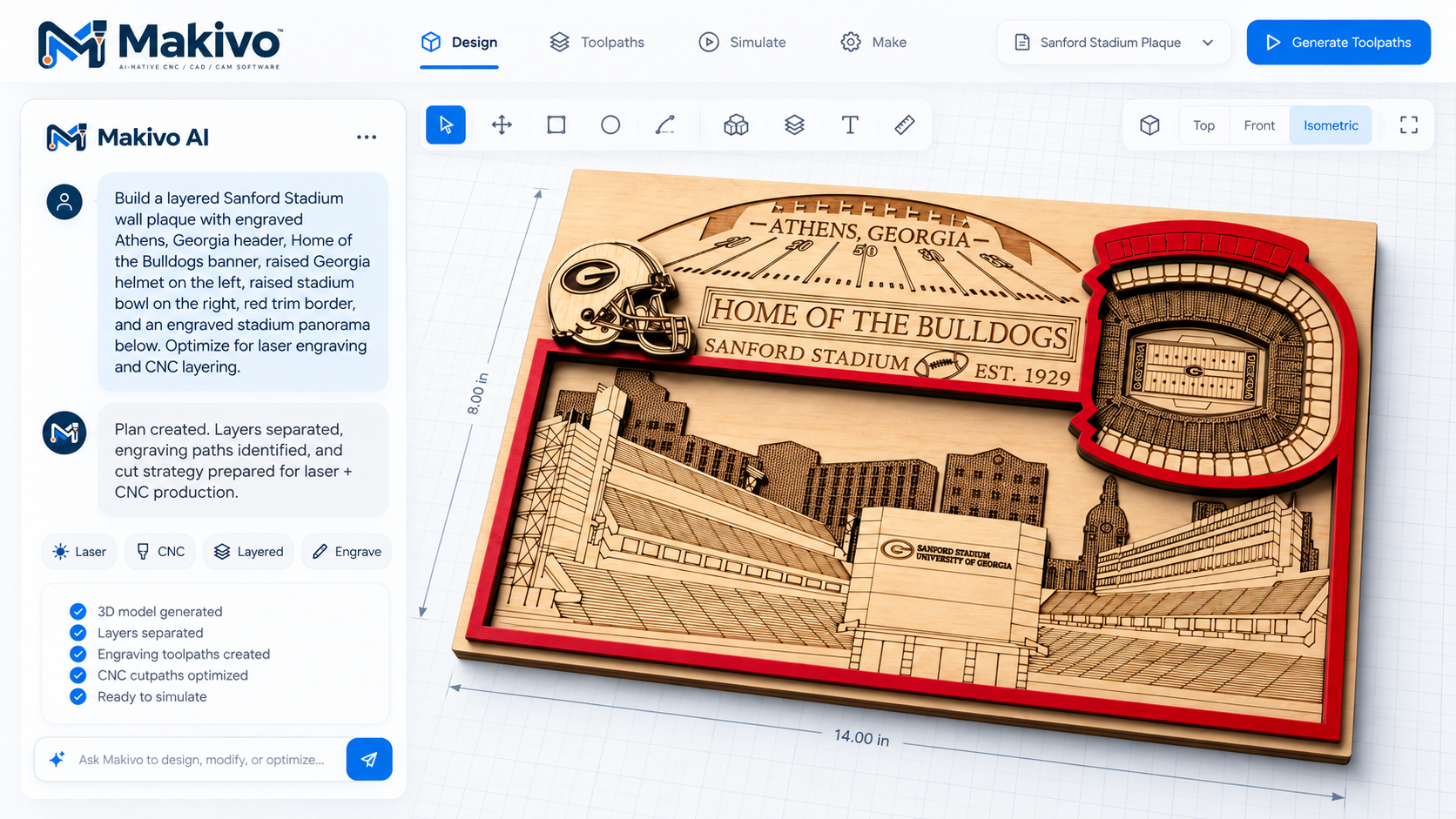
Supplied Makivo demo showing intended layer separation, engraving and cutting preparation. No generated output or physical machining test has been verified. Interface subject to change.